 PushAlarm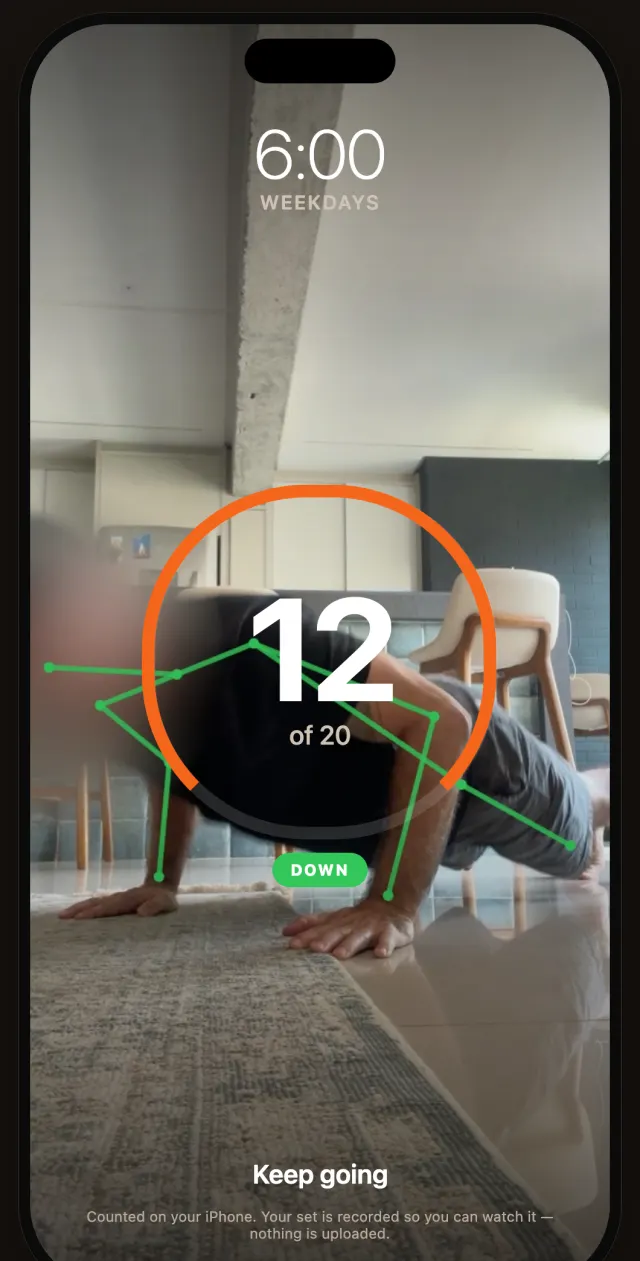
Three steps between you and the snooze button.
Set it once the night before. In the morning, there is only one way to turn it off.
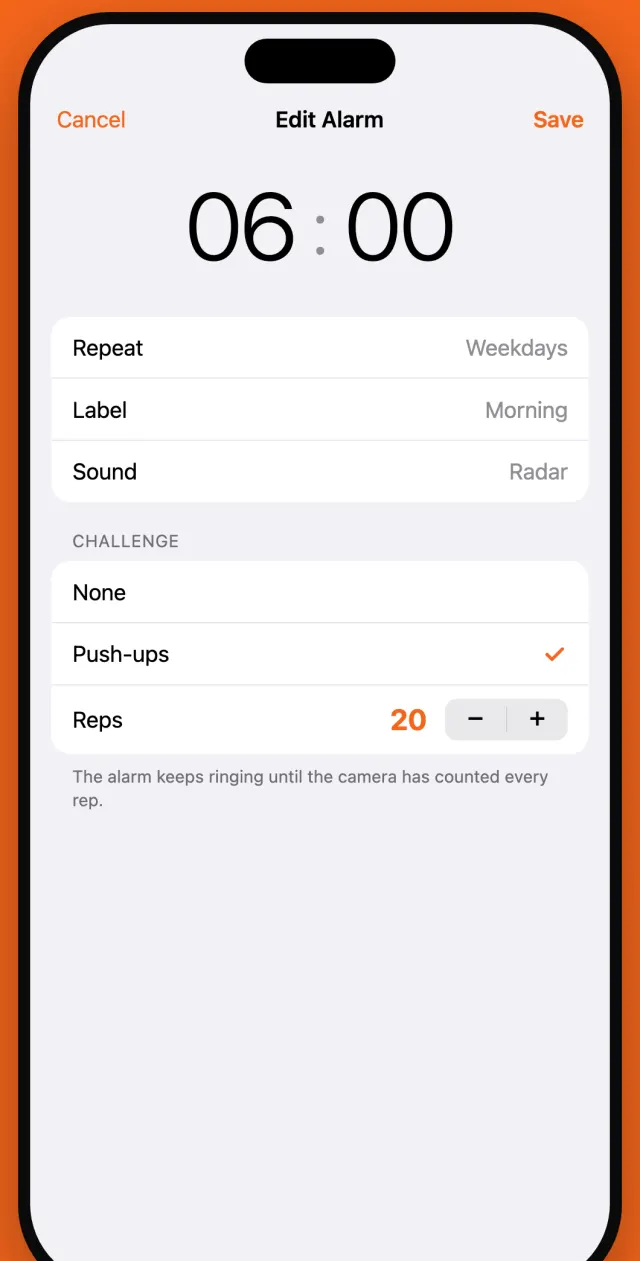
Set the alarm and the reps
Pick the time, the days and how many push-ups it takes to stop it. Ten on weekends, thirty on Mondays: your call.
Phone on the floor
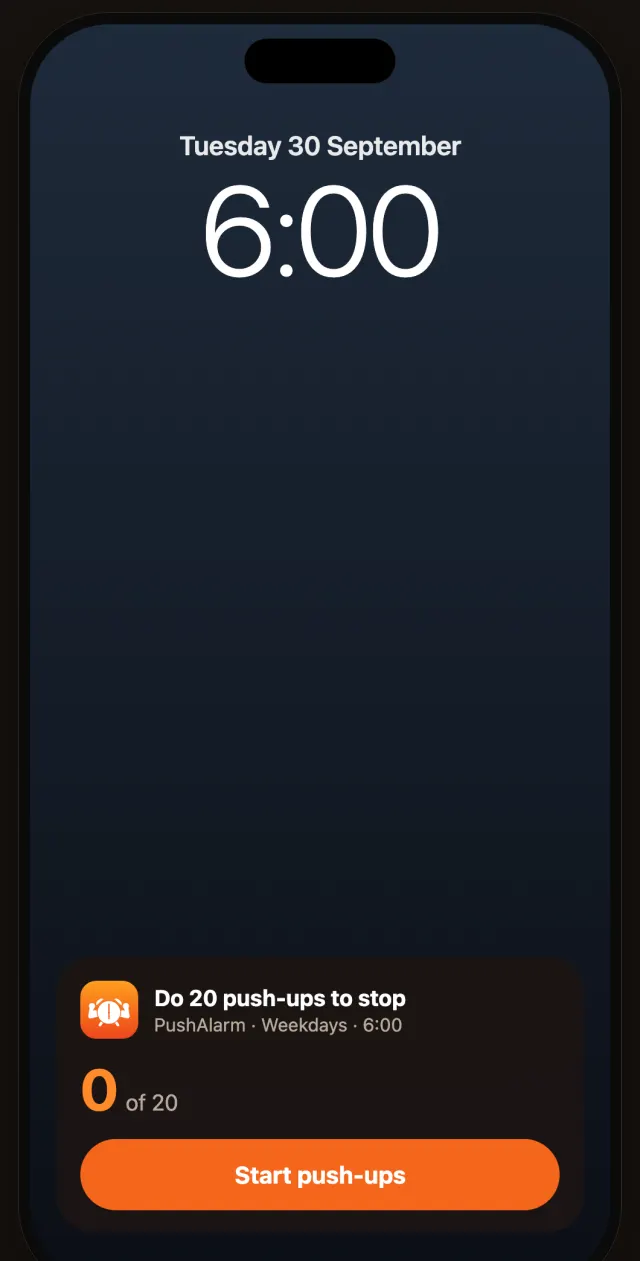
When it rings, tap Start push-ups and lay the iPhone on the floor beside you. Any orientation works.
Do the reps. It stops.
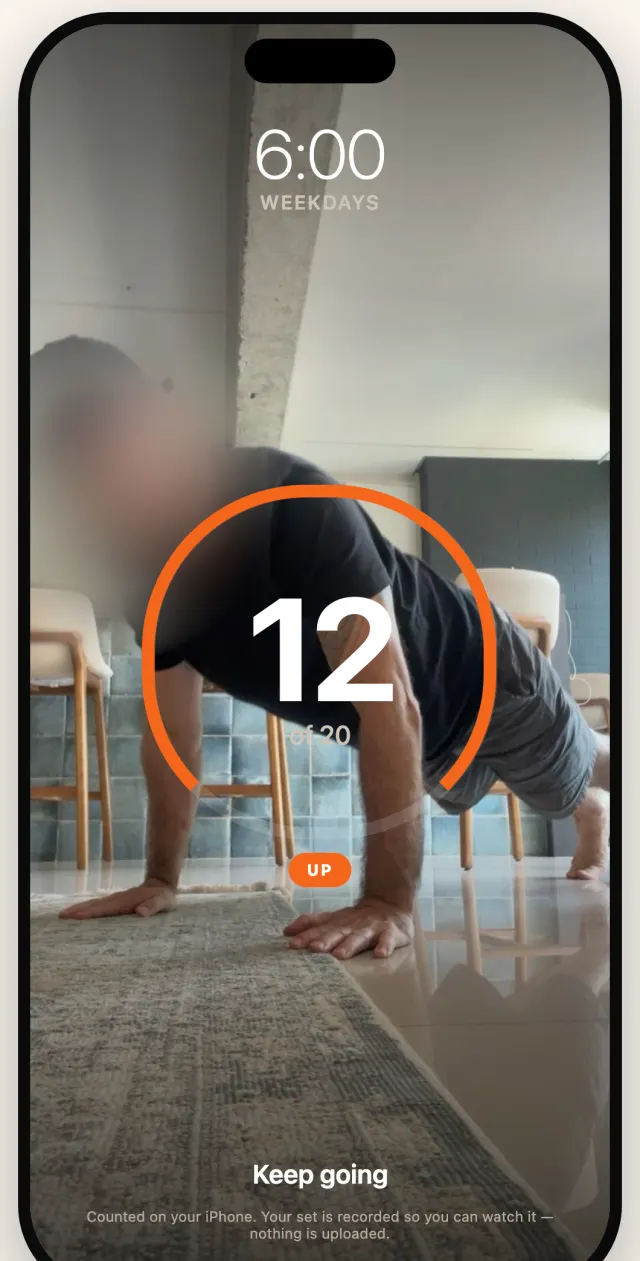
Each full push-up is counted by the camera. Reach your number and the alarm goes quiet, and you are already up.
6:00 means 6:00.
PushAlarm is built on AlarmKit, Apple's system alarm framework. It rings on time even when your iPhone is silenced, in a Focus, or face down on the nightstand.
- Shows on the Lock Screen with your rep target
- One tap from the Lock Screen to the challenge
- Keeps ringing until the last rep is counted
Your camera counts the reps.
Phone on the floor, you beside it. A live skeleton shows the phone can see you, and turns green as each rep counts. Half reps and standing up don't.
- Tracks shoulders, elbows, hips and wrists with Apple's Vision framework
- Works with the phone in any orientation and at any distance
- Only full reps count: chest down, arms straight back up
You set the price of snoozing.
Choose the reps for each alarm. The alarm holds you to them.
- Repeat on weekdays, weekends or any days you pick
- Labels and alarm sounds for each alarm
- Or no challenge at all, for the days you just need a normal alarm
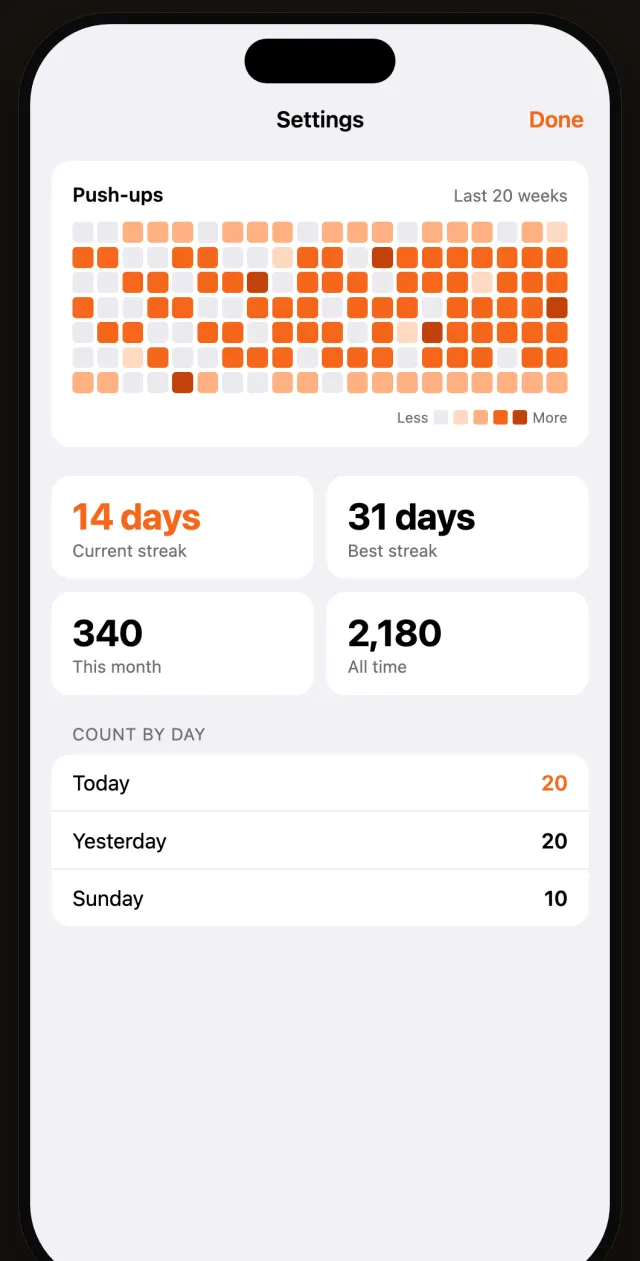
Every morning, on the record.
A year of mornings in one grid. Streaks and totals add up one push-up at a time.
- Current and best streak, this month and all time
- Watch your set back, and share a short time-lapse if you want to
- Your history stays on your iPhone
A camera app that keeps to itself.
PushAlarm needs your camera to count. It doesn't need anything else, so it doesn't take anything else.
On-device only
Pose detection runs entirely on your iPhone. No video or image ever leaves it.
Recordings are temporary
Your set is recorded so you can watch it, then deleted when you close it. You can turn recording off.
No account, no tracking
No sign-up, no analytics, no ads and no third-party SDKs. There is no server to send data to.
Photos only if you ask
A video is saved to your Photos only when you tap save. PushAlarm can't read your library.
Questions
Will it ring if my iPhone is on Silent or in a Focus?
Yes. PushAlarm uses AlarmKit, the same system alarm framework as Apple's Clock app, which is allowed to break through Silent mode and Focus.
What if I physically can't do push-ups one morning?
There's always a way out. Tap I can't do this on the challenge screen and confirm. The alarm stops and that morning is recorded as incomplete. Any reps you did still count.
Where do I put my phone?
On the floor, beside you, with the front camera facing you so it can see your whole body from the side. It doesn't matter which way round the phone is lying.
Does it work in the dark?
The camera needs to see you, so turn on a light before you start. In a pitch-black room the count gets less reliable.
Which iPhones are supported?
Any iPhone that runs iOS 26 or later. AlarmKit, which makes the alarm reliable, is new in iOS 26.
More answers on the support page.